Accelerating trials, inspiring the future:
The trusted partner
for 93% of all
FDA-approved therapeutic agents last year.
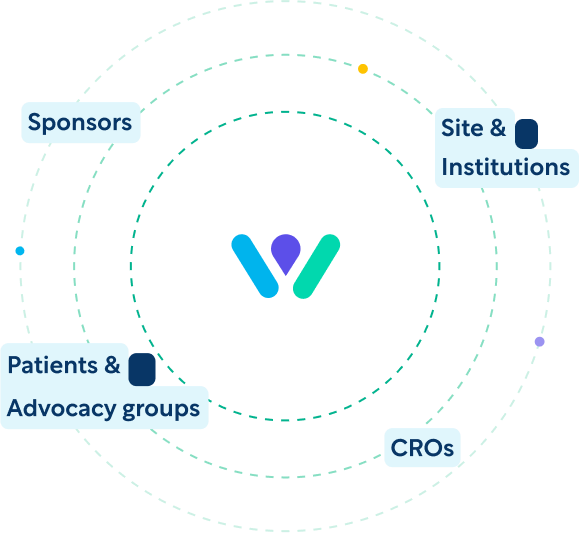
We connect clinical research sponsors, CROs, sites, and participants to deliver efficient, safe, and impactful clinical research.
What’s slowing down your clinical trials?
Long study start-up and trial duration?
- Our average full-board IRB determinations arrive 20% ahead of targeted TAT, accelerating site activation and study start up.
- Complete study start-up 37% faster, and connect with the right sites with our leading database of historical performance for sites and investigators.
Explore our solutions for:
Increased competition for sites and participants?
- We enable smarter, faster and more cost-effective research sites, increasing capacity and performance.
- 80% of all clinical trials fail to meet patient enrollment targets. Improve your participant engagement and study enrollment with our solutions.
Explore our solutions for:
Increased protocol complexity?
- Reduce error rates for endpoints by up to 65% with industry-leading protocols and platforms shaped by scientific experts.
- Share knowledge with 220+ peer organizations in a collaborative, pre-competitive consortium, while driving efficiencies with 500+ best practice tools.
Explore our approach to
WCG by the numbers
Our connectivity, solutions, data intelligence, and expertise support your success.
biopharma and CRO clients (including 50 of 50 top pharma and 8 of 8 top CROs)
Latest Insights

Understanding the FDA’s new proposed regulations on human subject research and their impact on your clinical trial plans
Videos
Diversity Action Plans Will Soon Be Mandatory for Clinical Trials
Blog Posts
WCG Releases 2023 Report on Top Issues Impacting Clinical Research Sites
NewsIn Focus Topics
Clinical Trial Operations
Clinical Endpoints
Regulatory Compliance
Clinical Trial Safety
Patient Advocacy
Diversity & Inclusion
A trusted partner for more than 55 years
The clinical trial industry faces strong headwinds – new trial designs, too many technology platforms, greater complexity – all of which requires a new, more modern approach. WCGs global reach and purpose-built solutions are designed to connect sponsors, CROs, sites, and participants across the industry to navigate the future of clinical research and help bring life-saving therapies to patients faster.
Upcoming
Events
Join our thought leaders for deeper dives into the clinical trial industry.
Customer Stories
Mid-sized BioPharma Closes Enrollment 3 Months Ahead of Schedule
- Enrollment closed nearly 3 months ahead of schedule, which had only seemed impossible.
- The client was able to bolster enrollment because the media outreach came in under budget and funds were reallocated to site support.
- Additionally, 118 of the 272 documents reviewed were given suggestions for improvement in accordance with ICH (E6) R2 and industry-leading practices.
WCG has been an important partner to our company in providing strategic expertise and development support in challenging therapeutic areas. Their consultative services, particularly around accurate collection of patient reported outcomes and placebo response mitigation, are incredibly valuable to our programs.”
Senior Medical Director, Top Global Biotechnology Company
Your knowledge, experience and professionalism contributed greatly to the success of our recent proof-of-concept trial. Working together, we produced a high-quality trial with robust findings that helped guide program decision-making. I greatly enjoyed and appreciated partnering with you on this project.”
Clinical Team Lead, Top 10 Sponsor Company
A few of the places our scientific and clinical operations thought leaders are featured: